
Your face. A new scene.
Create face-swap videos from a selfie and a template.
Download on the App StoreIn-app purchases available.

A selfie. A clip. A new take.
Choose a template, add a face photo, then review the video.
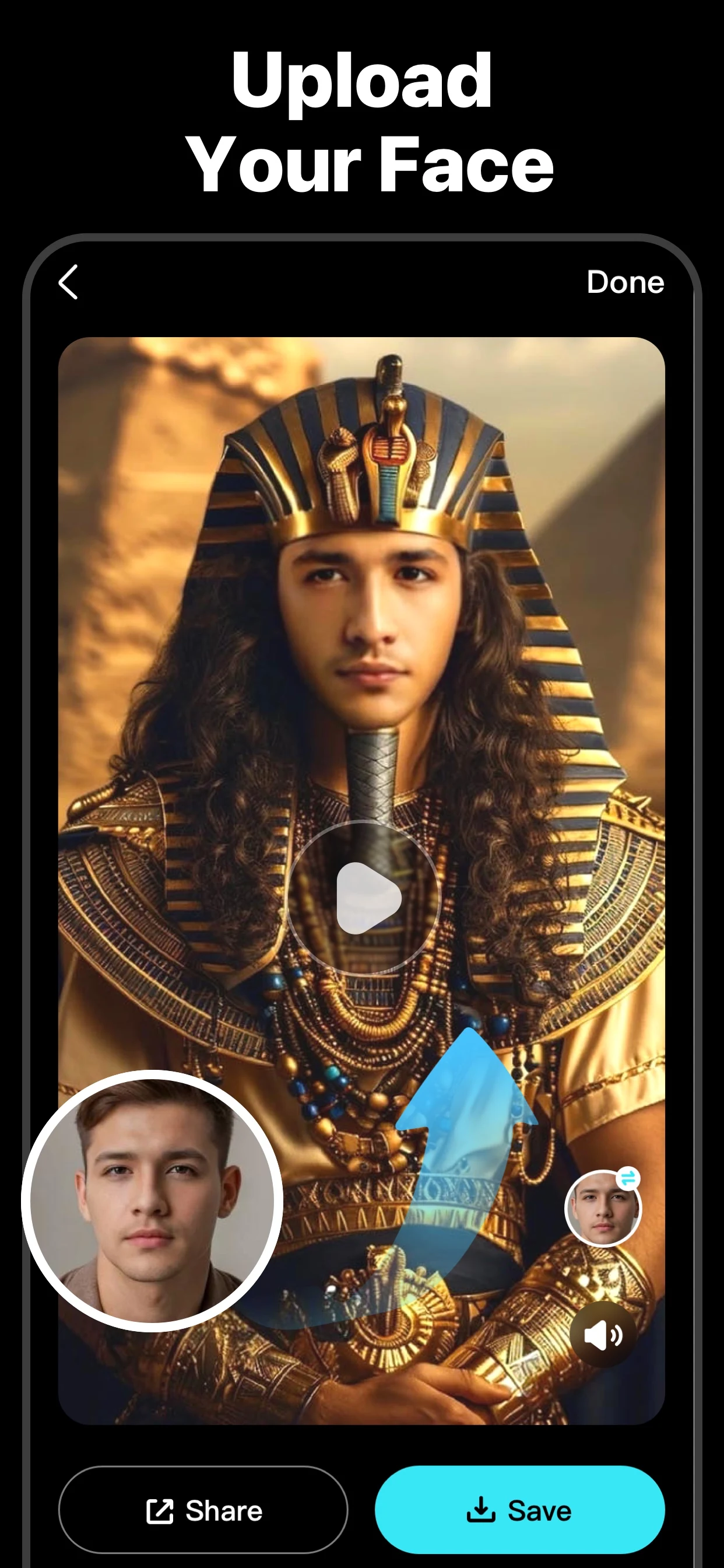
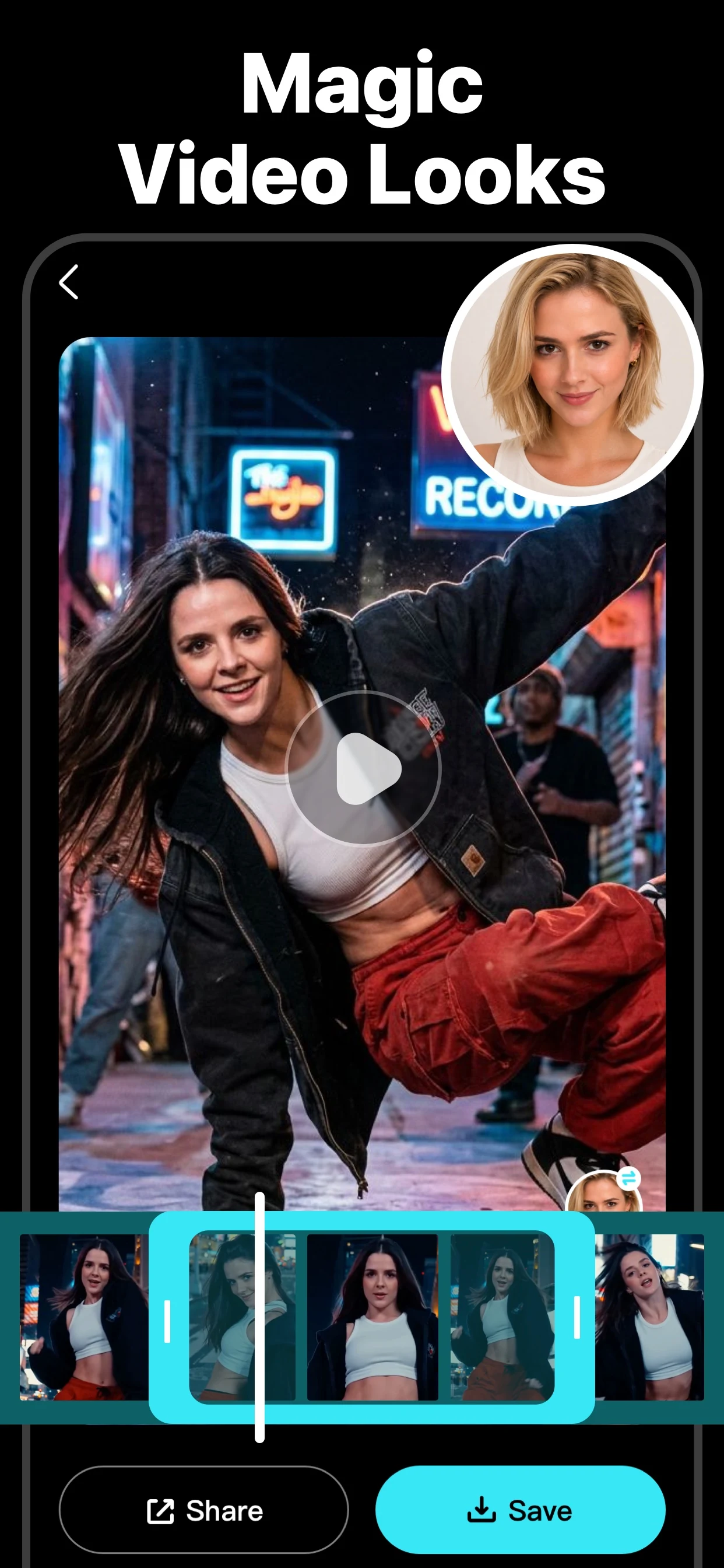
Make your next clip personal.
Choose a scene
Start with a video template in the app.
Add a selfie
Use a clear photo of a face you have permission to use.
Review and share
Check the generated clip, then save or share it.
Current App Store artwork. Results vary.
A clearer face, a better starting point.
Try even light, a front-facing portrait and a face that is easy to see.
Explore the video guidesGive your next video a direction.
Before you create.
Need help? Visit Support.
How do I make a face-swap video?
Choose a video template, add a selfie, and review the generated clip.
Does Video Face Swap include purchases?
Some features and usage require an in-app purchase. Availability, limits and prices depend on the current offer and region. Review the details in the app before purchasing.
Can I create videos on this website?
Create videos in the Video Face Swap app. This website provides product information, guides and support.